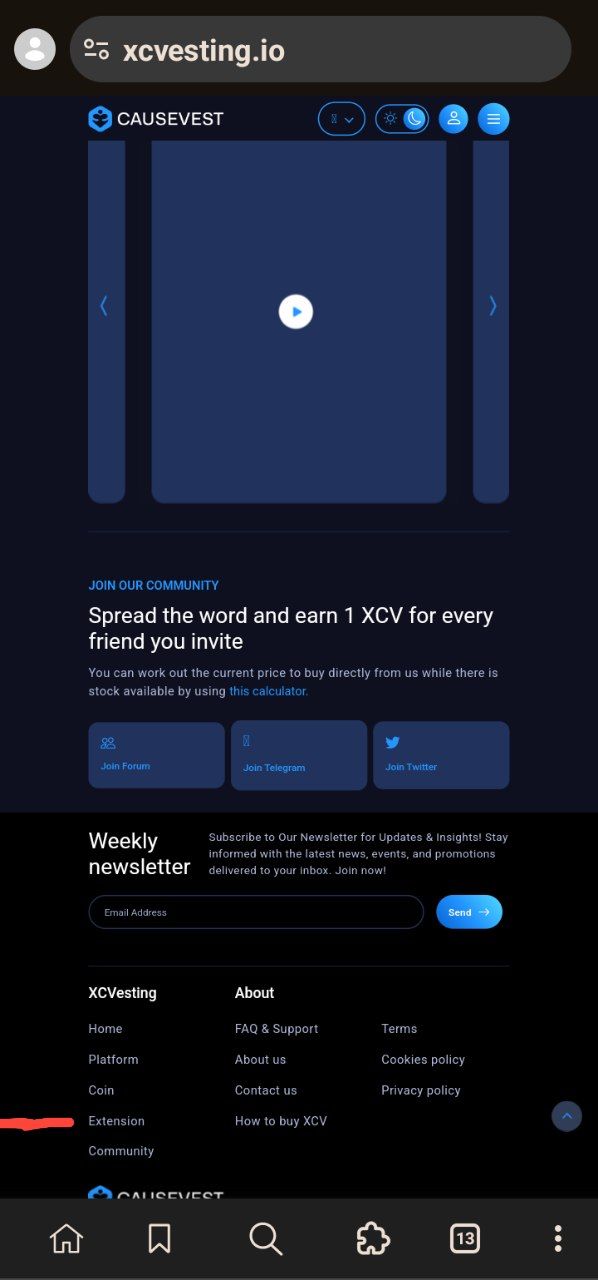
Firstly open your misses browser application on your android phone and search the Causevest website; xcvesting.io.
Stroll down and click on “EXTENSION”
Make sure you’re on desktop site
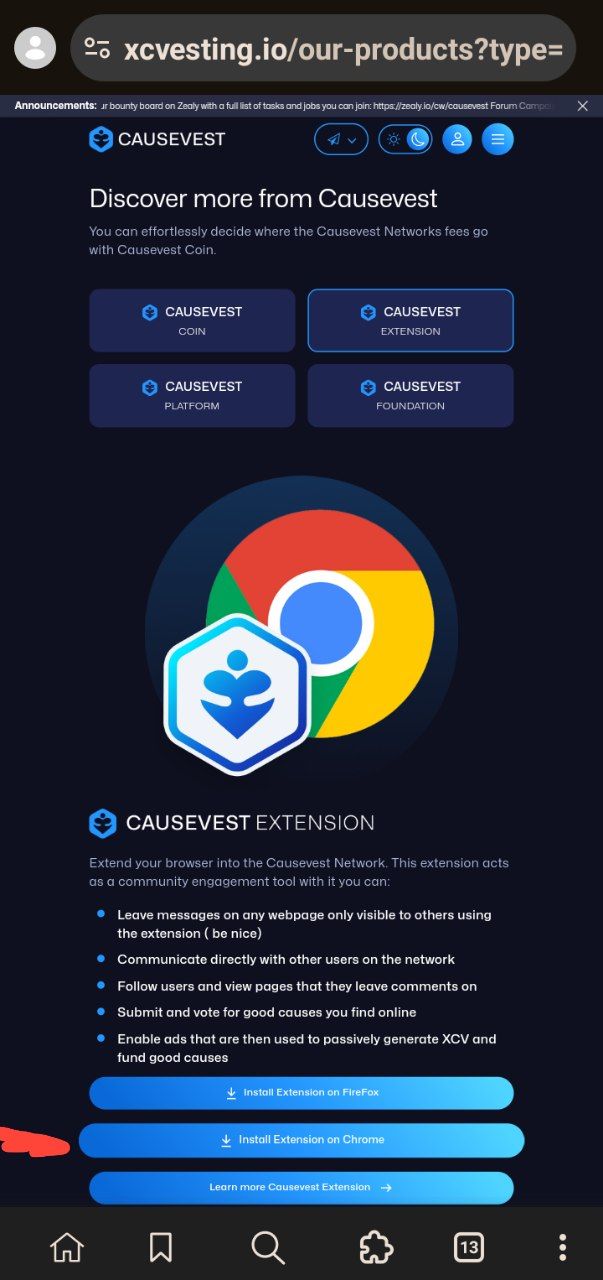
Click on “INSTALL EXTENSION ON CHROME”
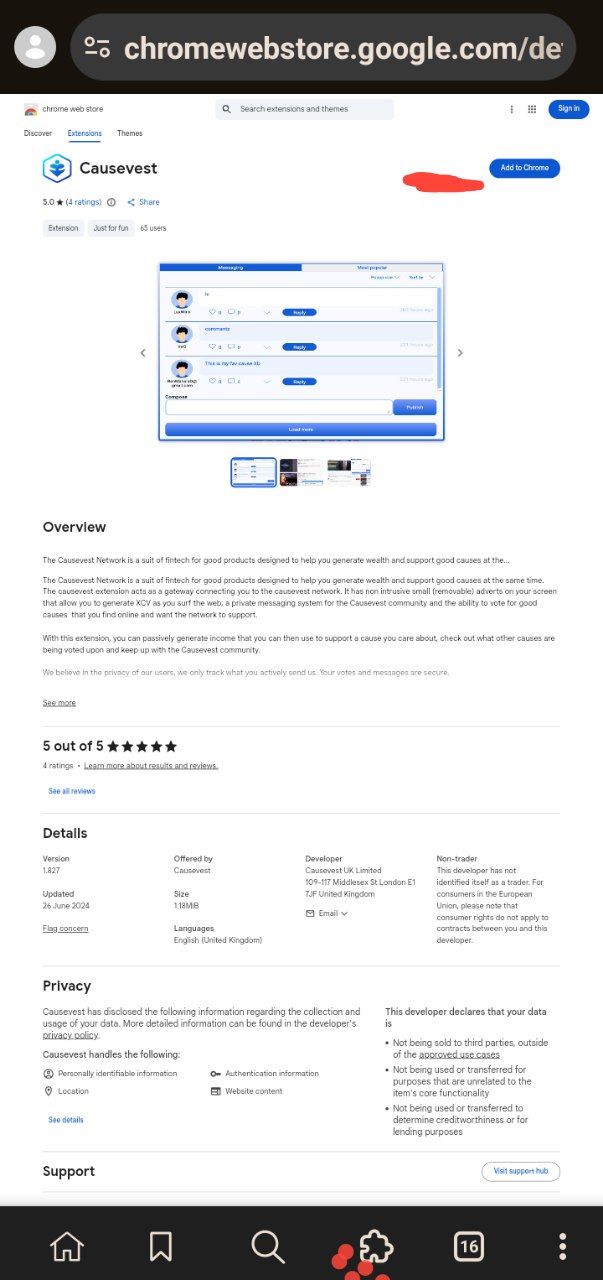
Click on “add to chrome” and it will be added.
After that, click on the extension symbol at the down of your screen
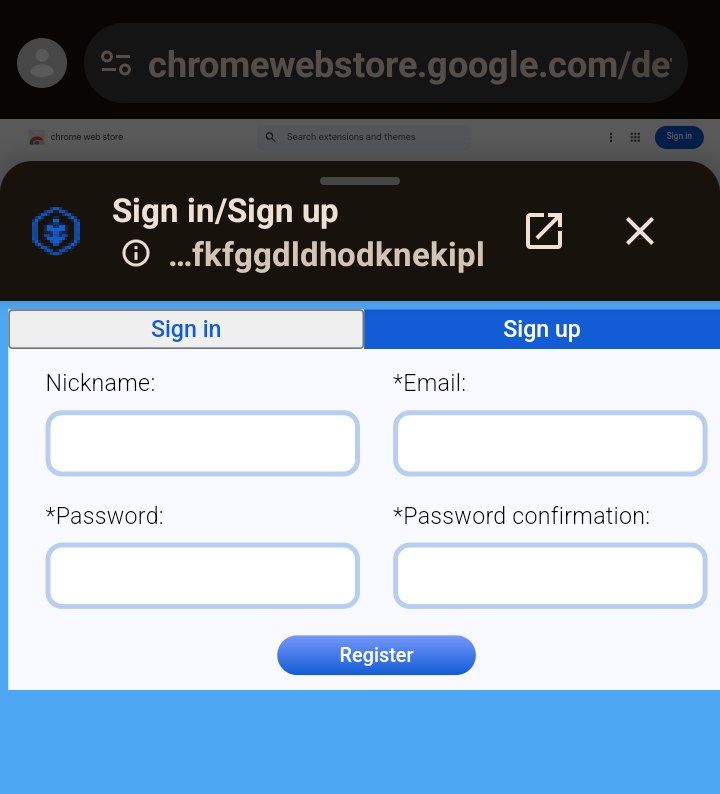
Sign up and register.
As simple as that
Hope this guidelines help alot